Steps6
- Open Business.
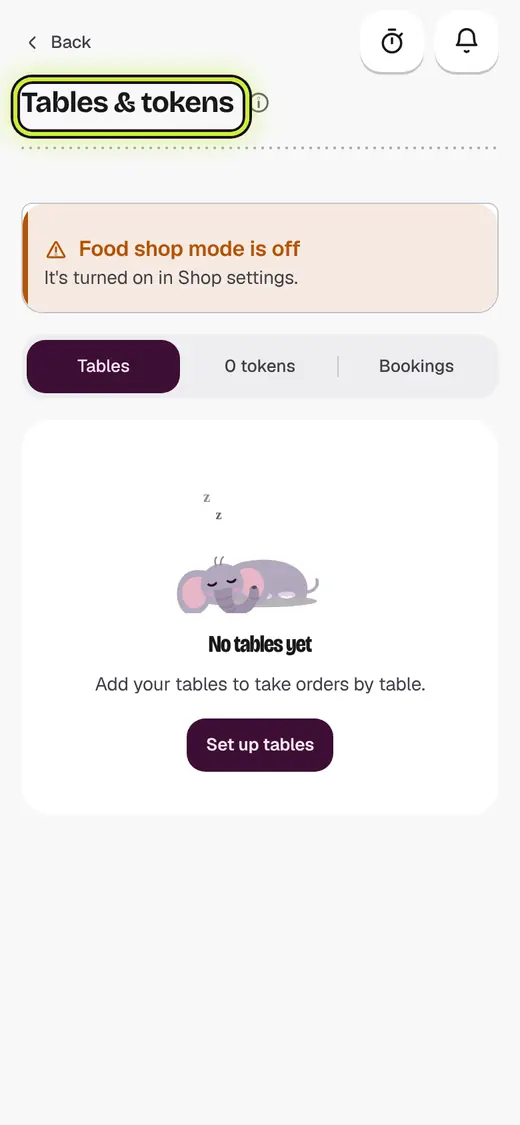
- Tap Tables & tokens.
- Tap a table. For a parcel, tap New parcel.
- Tap Add items and add the food.
- Tap Send to kitchen.
- When they finish, tap Take payment.
If it stops you
Food shop mode is off: the shop admin can turn it on in Shop settings.
No tables yet: tap Set up tables and add them.
Good to know
- Use Move table, Merge or Split bill from More.
Still stuck?
In the app, tap ? on the screen you are on and ask in your own words. Or email support@kowntx.com. A person replies in writing. Never send your PIN, code or card number.